
Got a text about a parcel? How to spot a fake delivery text
By Brent Kogan ·
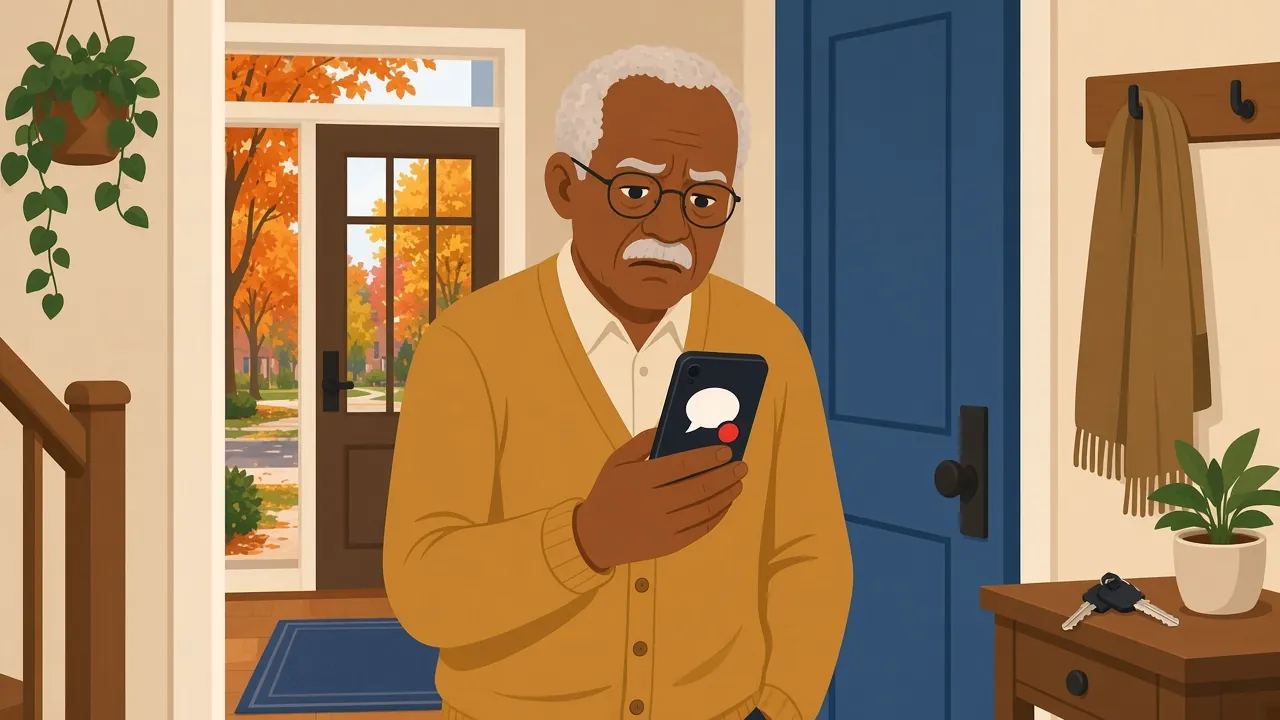
It’s the time of year when parcels are flying around, and your phone buzzes with a text: “Your package is on hold due to an unpaid shipping fee. Pay now to release your delivery.” There’s a link, and it looks official. You did order a few things, so it seems plausible. This is one of the most common scams in Canada right now, and it ramps up every year as the holidays get closer.
I’m Brent, and at TechBrent I help people around Midland and Penetanguishene sort out exactly this kind of thing. Here is how to tell a fake delivery text from a real one, and what to do if you’ve already tapped the link.
Why these texts are so convincing
Scammers send millions of these messages at once. They don’t know whether you ordered anything, but in November and December most of us have, so the odds are on their side. The text borrows a name you trust, like Canada Post, Purolator or a big online store, and adds a small fee and a deadline. A two-dollar charge doesn’t feel like a big deal, which is the point. The real goal is your card number, your banking login, or both.
Signs a delivery text is fake
- It asks you to pay a fee, “confirm” your address, or update your details through a link.
- It creates urgency: your parcel will be returned or destroyed unless you act today.
- The link looks a little off, uses a shortened web address, or doesn’t go to the company’s real website.
- You never signed up for text updates from that company.
- It has odd spelling, strange spacing, or a greeting like “Dear customer.”
- It asks you to reply “Y” or “STOP,” or to download a file.
Canada Post says it will never text you asking for card or banking details, login information, or payment for a delivery. When a carrier misses you, it usually leaves a notice card at the door or in your mailbox. Genuine Canada Post tracking texts only come from 272727 or 55555, and only if you signed up for them.
How to check a parcel safely
If you really are expecting something, skip the link in the text completely. Instead:
- Open the store’s app or website on your own, the way you normally would, and look at your order.
- Use the tracking number from your order confirmation email, typed into the carrier’s official website.
- If you’re still unsure, call the company using a number from their real website or the back of your card, not one from the text.
If the tracking page says everything is fine, the text was a scam.
What to do with the text
Don’t reply, even to say STOP, because that tells the sender your number works. Forward the message to 7726 (it spells SPAM on most keypads) so your phone company can block it, then delete it. On most iPhones and Android phones you can also choose “Report junk” or “Block” right in the message.
If you already tapped the link or paid
Lots of careful people get caught by these, so please don’t be hard on yourself. Act quickly instead:
- Call your bank or card company using the number on the back of your card, and tell them what happened. They can cancel the card and watch for strange charges.
- If you typed in a password, change it right away, starting with your email and banking, and turn on two-step sign-in where you can.
- Keep an eye on your statements for the next few weeks.
- Report it to the Canadian Anti-Fraud Centre at 1-888-495-8501 or through its website.
If you downloaded something from the link, or the phone has been acting strangely since, it’s worth having it looked over. The same goes for computers: if a scam pop-up has ever popped up on your laptop, my post on how to spot a scam pop-up walks through that one too.
Cut down on scam texts before they arrive
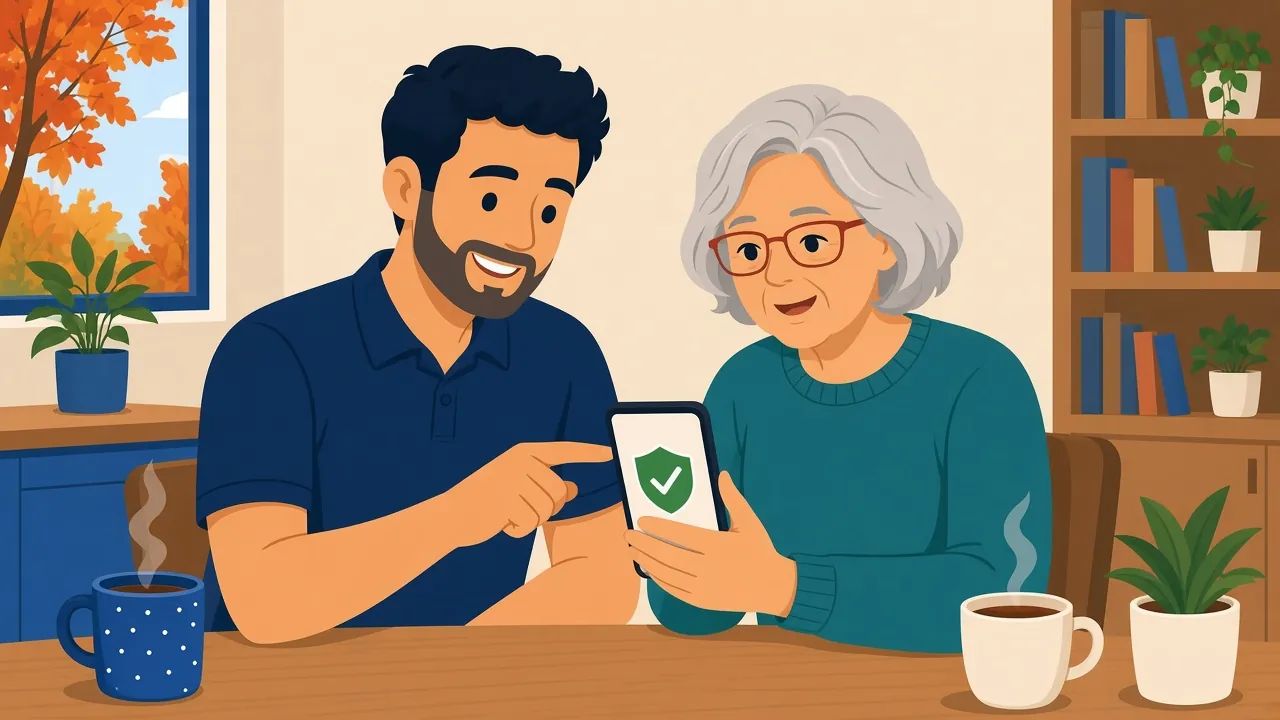
You can’t stop every scam text, but you can make them much less likely to reach you. Both iPhone and Android phones have settings that filter messages from unknown senders into a separate list, so they don’t buzz you at dinner. Keeping your phone updated helps too, and so does having one trusted person you can ask before you tap.
That’s a big part of the tech help for seniors I offer. I work at a patient, unhurried pace: I’ll set up spam filtering, go through the warning signs together, and make sure your banking apps are locked down. If you’d rather do it face to face, my in-home tech support means I can sit down with you at your kitchen table and sort out your phone, tablet and computer in one visit.
Not sure whether a text is real? Send me a note through the contact page and I’ll help you figure it out.
Frequently asked questions
Does Canada Post send text messages about deliveries?
Only if you signed up for tracking alerts, and those come from 272727 or 55555. Canada Post never texts asking for payment, card details or login information.
Is it safe to open a scam text if I don’t tap the link?
Yes, reading it is generally fine. Just don’t tap the link, reply, or download anything. Forward it to 7726 and delete it.
What if I typed my card number into the page?
Call your bank right away using the number on the back of your card so they can cancel it, then watch your statements for the next few weeks.
Need a hand with this?
Book through the contact form, and I’ll reply personally, often the same day.
Get help