
How to spot a scam pop-up (and what to do when one appears)
By Brent Kogan · · Updated
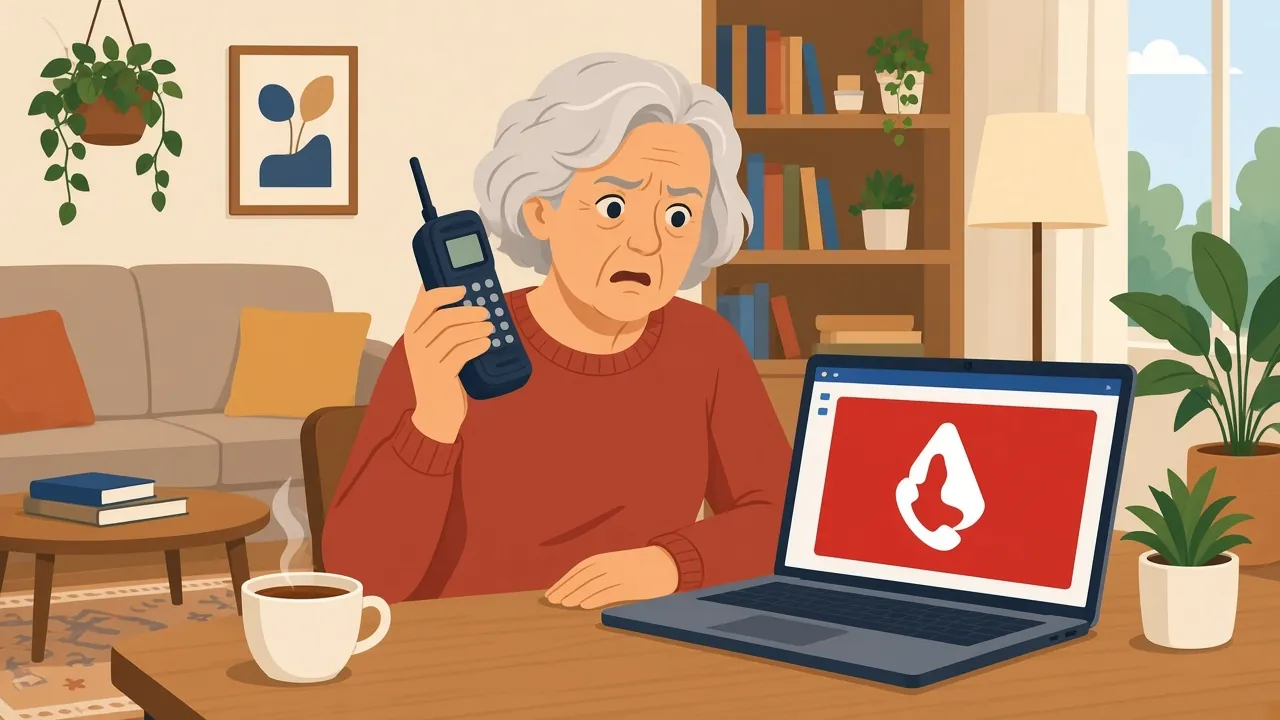
You are reading the news or looking up a recipe, and suddenly the screen fills with a red warning: your computer is infected, your files are at risk, call this number now. Sometimes it beeps. Sometimes it seems to lock the browser. It is almost always a scam, and it is built to make you act before you think.
I’m Brent, and at TechBrent I help people in Midland, Penetanguishene and the surrounding townships with exactly this kind of problem. Here is what I tell anyone who runs into one.
What to do right now
- Don't call the number or click anything inside the warning. Real Microsoft, Apple and bank alerts never ask you to phone them.
- Close the browser. If it won't close, press Ctrl+Alt+Delete on Windows (or Cmd+Option+Esc on a Mac) and end the browser from there, or just restart the computer.
- Don't reopen the old tabs when the browser asks to restore them.
- If you already let someone connect or gave card details, unplug from the internet, call your bank using the number on your card, and change important passwords from another device.
If you'd like me to check the computer afterwards, I can help remotely or at your home. If I'm already helping you on the phone, you can join a remote session here.
Why scam pop-ups work
These pages are designed by people who understand fear. They borrow familiar names like Microsoft or Apple, use official-looking colours and shields, and add a countdown or an alarm sound. The goal is simple: get you on the phone before you have a moment to stop and think. Once you call, the person on the other end will sound friendly and helpful, and that is the trap.
Signs it is a scam
- It tells you to call a phone number. Microsoft, Apple, and your bank do not put phone numbers in browser warnings.
- It is urgent and loud: countdown timers, alarms, flashing text.
- It appeared while you were browsing a website, not from security software you installed yourself.
- It asks you to install a “support” or remote-access app, or to pay with gift cards.
- It claims your computer is “locked” but you can still move the mouse.
If even one of these is true, treat it as a scam. A real problem with your computer will not announce itself with a phone number and a timer.
What to do when one appears
Don’t call, and don’t let anyone in
Do not call the number, and do not let anyone you do not know connect to your computer. No genuine company will phone you or ask you to phone them because of a browser warning.
Close the tab or the browser
Close the browser tab. If it will not close, close the whole browser. On Windows, Ctrl + Shift + Esc opens Task Manager, where you can select the browser and choose End task. On a Mac, Command + Option + Esc opens Force Quit. When you reopen the browser, do not restore the previous session if it offers to, or the same page will come straight back.
If it still won’t go away
If nothing works, holding the power button to shut down the computer is fine as a last resort. When it starts again, open the browser without restoring tabs.
If you already called or paid
It happens to careful, smart people every day, so there is no reason to feel embarrassed. What matters is acting quickly:
- Disconnect the computer from the internet (unplug the cable or turn off Wi-Fi).
- Change your important passwords, starting with email and banking, from a different device.
- Call your bank using the number on the back of your card and tell them what happened.
- If you paid with gift cards, contact the card company right away.
- Have the computer checked before you use it for anything sensitive again.
If someone had remote access to your machine, assume they may have left something behind. That is when proper virus removal and a careful look through installed programs is worth doing.
When to get help
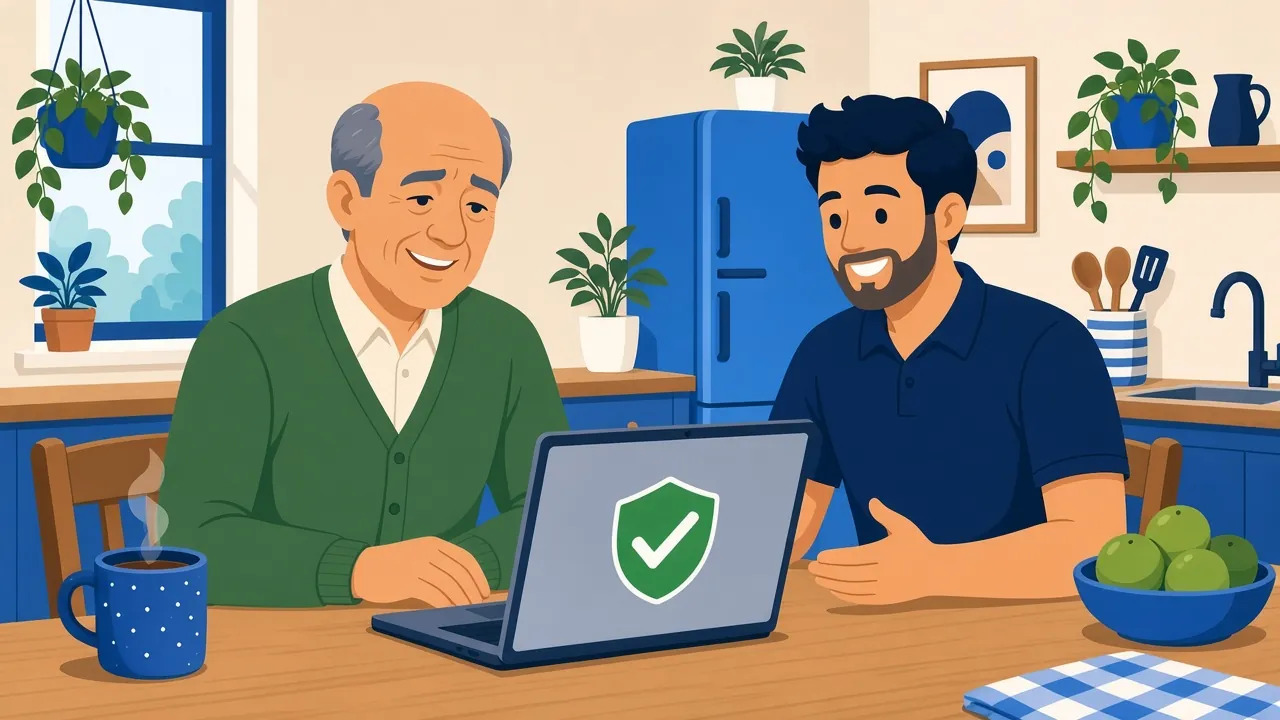
If the pop-ups keep coming back, your browser home page has changed, new toolbars or programs have appeared, or you let a stranger connect, the machine is worth a proper check. That is exactly the kind of computer repair in Midland and nearby towns I do, remotely or at your kitchen table. I remove what should not be there, tidy up the browser, check your security settings, and explain what happened in plain English.
Scam calls and pop-ups often target older adults, so if a parent or grandparent has been caught out, my page on tech help for seniors explains how I work with people who want patient, unhurried help. You can also see everything else I do on the TechBrent home page.
If you are dealing with one of these right now, or want your computer checked after a close call, send me a note through the contact page and I will get back to you.
Frequently asked questions
Is a pop-up saying my computer is infected ever real?
Real security software you installed may show alerts, but it will never ask you to call a phone number or pay with gift cards. A browser warning with a phone number is a scam.
Will closing the pop-up remove the problem?
Usually, yes. Most scam pop-ups are just a web page. If they keep coming back or you let someone connect to your computer, it is worth having the machine checked.
What if I gave a scammer remote access?
Disconnect from the internet, change important passwords from another device, call your bank, and have the computer cleaned up before you use it for banking or email again.
Need a hand with this?
Book through the contact form, and I’ll reply personally, often the same day.
Get help