

Tech concierge
I serve Midland, Penetanguishene, Tiny, Tay (Victoria Harbour, Port McNicoll and Waubaushene), Wasaga Beach, Elmvale, Coldwater, Orillia and Barrie.
In-Home Tech Support in Midland: Your Tech Concierge
The pile of boxes. The new TV. The iPad for your parents. I come to your home or cottage and make it all work together, then show you how it works.
Tell me what is going onSome technology jobs are not exactly broken; they are just waiting. The smart TV still in its box. The printer that joined the Wi-Fi once and never again. The tablet you bought for a parent that is sitting in a drawer because nobody has had a free afternoon to set it up. I am Brent, and that is exactly the work TechBrent was built for. My in-home tech support in Midland is what I call tech concierge: I come over, unpack the mess, and leave you with a living room, cottage, or home office that actually works.
It is personal service in the true sense. One person arrives, does the work, explains everything in plain English, and does not leave until you are comfortable. Service is by appointment, at your home or cottage, and when a problem can be solved remotely, I will tell you so and save you the wait.
What a tech concierge visit can include
Every household is different, so every visit is shaped around what you have and what you want it to do. Here is the kind of work I handle during in-home tech support appointments around Midland and Penetanguishene:
- Smart TVs, streaming sticks, and soundbars, set up and signed in to the services you use
- Printers that need to connect to Wi-Fi and to every computer, phone, and tablet in the house
- iPhone, iPad and Android phone and tablet setup, including moving photos, contacts, and apps from an old device
- Email, Apple and Google accounts, and the passwords that tie them together
- Home Wi-Fi that covers the whole house, not just the room with the router
- A new computer set up and connected to everything else
- A plain-English walkthrough before I leave, with notes if you would like them
Why in-home help makes such a difference
A lot of tech support happens over the phone or in a store, and that works for some problems. But when the issue is how several devices work together in your home, there is no substitute for someone standing in the room. I can see where the router sits, what the TV is plugged into, which remote does what, and why the printer in the back bedroom keeps dropping off.
It also takes the pressure off you. You do not have to describe a problem in technical terms, unplug equipment, or carry anything to a counter. You simply show me what is not working, and I take it from there.
Patient, not rushed
I would much rather spend a few extra minutes making sure you know how to switch inputs on the TV, or how to find the photos the grandkids just sent, than leave you with a beautifully configured system you cannot use. That patience is the heart of good tech concierge work, and it is the part people tell me they value most.
Phones and tablets, set up the right way
New phones and tablets are a big part of what I do. A good setup is about more than signing in; it is about making sure nothing important gets left behind and that the device is easy for the person who will use it every day.
iPhone, iPad and Android phone and tablet setup
Whether it is an iPhone, an iPad, or an Android phone or tablet, I move your photos, contacts, messages, and apps across from the old device, restore from a backup when needed, and walk you through the settings that actually matter. I handle the software and setup side, not cracked screens or batteries.
- I check that the old device is backed up before anything changes.
- I transfer your data and sign in to your accounts with you.
- I set up email, messaging, and the apps you rely on.
- I adjust text size, notifications, and privacy settings so the device is comfortable to use.
- I show you the handful of things you will do most often, until they feel natural.
Setting up a device for a parent
Many of my calls come from adult children who live elsewhere and want a parent in Midland or Penetanguishene to be able to video call, see family photos, and stay safe online. I can set up the tablet or phone so it is simple to use, and with everyone's agreement, keep the family in the loop on what was done. If that sounds like your situation, my page on tech help for seniors goes into more detail.
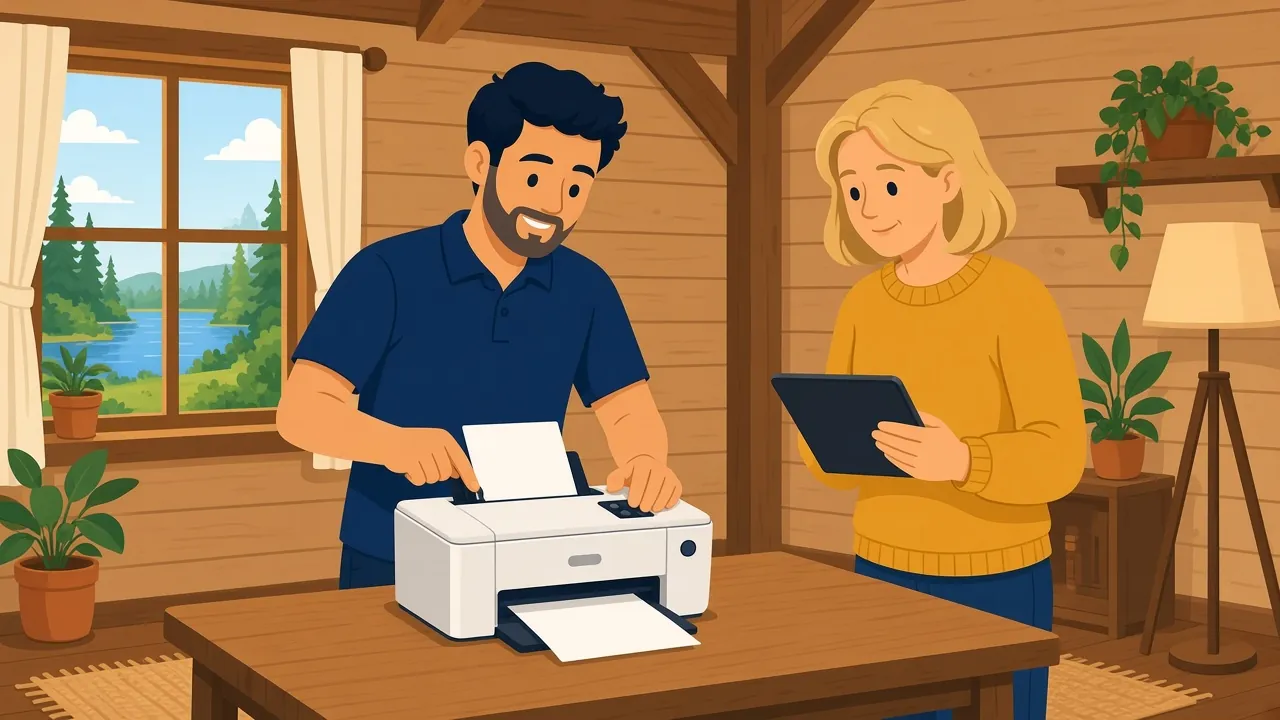
Cottage tech, sorted before the season
Cottages around Tiny, Tay, and along the shoreline come with their own challenges. Internet may be seasonal or rely on a different provider than you use at home. Devices have sat unused all winter and need updates. Guests arrive expecting the Wi-Fi password and a TV that works.
A tech concierge visit at the cottage can take care of all of that in one go:
- Getting the router and Wi-Fi working reliably across the cottage and, where possible, out to the deck
- Setting up a simple guest network with a password you can post on the fridge
- Making sure the TV and streaming apps are signed in and up to date
- Planning how to shut things down cleanly in the fall and bring them back in the spring
If Wi-Fi coverage is the main headache, my page on home Wi-Fi setup in Midland explains how I approach dead spots and mesh systems.
Familiar situations I help with
People often are not sure whether their problem is "worth" a visit. Here are a few of the situations that lead people to book in-home tech support in Midland, and every one of them is a perfectly good reason to get in touch.
"We bought a new TV and now nothing works together"
A new TV often means a new remote, new apps, and a soundbar or streaming stick that no longer behaves the way it used to. I connect everything, sign in to your streaming services, sort out which remote controls what, and make sure switching between them is simple.
"The printer used to work"
Printers are the single most common "it worked yesterday" device. Usually the cause is a changed Wi-Fi password, a new router, or a computer update. I reconnect the printer to the network and to every device that needs it, then test a page from each one.
"We are moving, or downsizing"
A move is a natural time to get the technology right. I can help set up internet equipment, Wi-Fi, TVs, and devices in the new place so you are settled faster, with less to think about during an already busy time.
Whatever the situation, my aim with tech concierge work is the same: you should end the visit with everything working and a clear idea of how to use it.
How a tech concierge appointment works
The process is simple, and you deal with me from start to finish:
- Send me a note describing what you have and what you would like it to do.
- I write back by email with a plan, including whether any of it can be done remotely first.
- We book a time that suits you, Monday to Friday.
- I arrive, set everything up, and test it with you.
- Before I leave, we go over how it all works, at whatever pace suits you.
Where I offer in-home tech support
I visit homes and cottages in Midland, Penetanguishene, Tiny, Tay, Port McNicoll, Victoria Harbour, and the wider Simcoe County and Muskoka area within about 45 minutes of Midland, including Barrie and Orillia. Remote support is available anywhere in Canada, which is handy for quick follow-up questions after a visit.
What I leave to the specialists
To keep things clear, TechBrent focuses on software, setup, and configuration. I do not install security cameras, run structured cabling, climb ladders, or mount TVs on the wall. I also do not do hardware repairs like screens, batteries or circuit boards, but I will diagnose the problem and point you to a reputable local shop. If your project needs one of those, I will tell you up front so you can bring in the right person, and I am happy to finish the setup once the hardware is in place.
Making it last after I leave
The best compliment I can get is not hearing from you for a long time because everything just works. A few small things help make that happen, and I take care of them during the visit:
- Updates turned on for the TV, streaming devices, phones, and tablets
- Passwords recorded somewhere safe that you control
- Devices named clearly, so you can tell the kitchen speaker from the bedroom TV
- A backup in place for photos and important files
And if something does change, such as a new TV, a new provider, or a new tablet for a grandchild, you already know who to ask. You can read more about the person behind TechBrent and how I like to work on the About Brent page.
Let me make it all work together
If there is a pile of boxes in your living room, a parent who needs a hand with a new tablet, or a cottage that needs to be ready before guests arrive, I would be glad to help. Service is by appointment, remote or at your home, cottage or business. Send me a note through the contact form, and I will write back with a plan.
FAQ
Common questions
What is a tech concierge visit?
It is in-home tech support where I come to your home or cottage and set up or sort out the devices you have: TVs, streaming, printers, Wi-Fi, computers, and iPhone, iPad and Android phones and tablets. I finish with a plain-English walkthrough.
Can you set up a new iPad or phone for my parent?
Yes. I set up iPhones, iPads, and Android phones and tablets, move photos and contacts across, and adjust settings so the device is easy to use. I take time to show your parent how it works.
Do you mount TVs or install cameras?
No. I handle the software, setup, and configuration side. I do not mount TVs, install security cameras, run cabling, or work on ladders.
Which areas do you visit?
Midland, Penetanguishene, Tiny, Tay, Port McNicoll, Victoria Harbour, and the wider Simcoe County and Muskoka area within about 45 minutes of Midland, including Barrie and Orillia. Service is by appointment. See all the areas I serve.
Ready when you are
Service is by appointment, remote or at your home, cottage or business. Tell me what is going on and I will write back with a plan.
Get help