
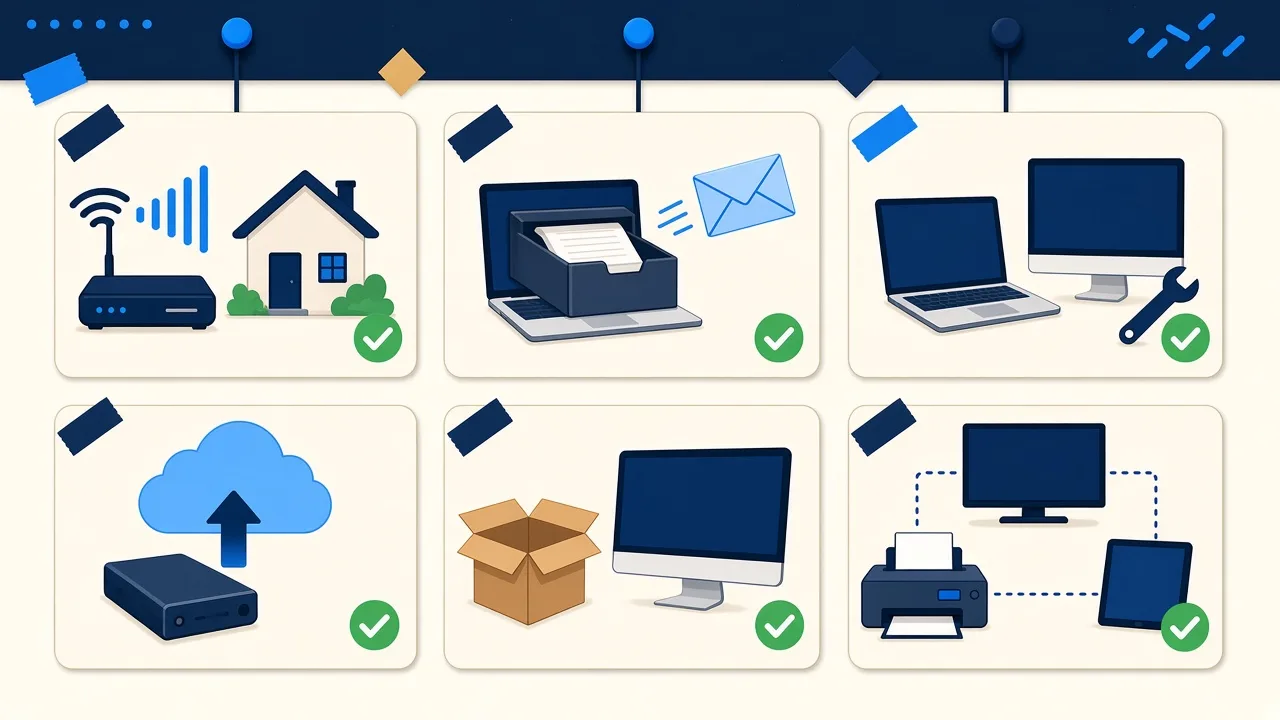
Services

Software help. Not a repair shop.

Fixed, set up, restored and explained, without the jargon. I work on Windows and Mac computers, iPhones and iPads, and Android phones and tablets. I do not replace screens, batteries, or boards. If the problem is hardware, I will figure out what is wrong and point you to a reputable local repair shop.

PC & laptop help

Windows trouble? I’ll fix it over a remote session or at your kitchen table, whichever works better for you. I don’t do parts or screen repairs, but I’ll figure out what’s wrong and point you to a reputable local shop.

  • Tune-ups, startup cleanup, and machines that take ten minutes to boot
  • Malware and pop-up removal, then a setup that stays cleaner
  • Windows that will not start, update loops, and profile issues
  • New PC setup: accounts, files, printers, the way you already work

More about computer repair in Midland →

iPhone, iPad & Android setup

I move photos, accounts, and apps, restore from backups, and walk through the settings that actually matter. iPhone, iPad and Android phone and tablet setup. Software and setup — not cracked screens or batteries.

  • Data transfer when you upgrade
  • Email, iCloud / Google, and the apps you rely on
  • Firmware restore when a phone will not boot cleanly
  • A calm walkthrough so you leave knowing how to use it

More about phone and tablet setup at home →

Mac restore & setup

Macs that will not boot, migrations onto a new machine, and full restores. If it takes me extra time to get it right, that time is on me. You get a working Mac with your files where you expect them, and a quick walk-through of anything that changed.

  • macOS Recovery and Internet Recovery
  • DFU / Apple Silicon revive when the Mac is bricked
  • Migration Assistant and clean setups
  • iCloud, Time Machine, and the usual Apple account knots

More about Mac repair and setup →

Tech concierge

This is the work people put off for months. I come over, unpack the mess, and leave you with a living room, cottage, or home office that actually works — streaming, printers, tablets, the lot.

  • Smart TVs, streaming sticks, and soundbars
  • Printers, tablets, and “it worked yesterday” devices
  • Setup for parents or a seasonal place
  • Plain-English walkthrough before I leave

More about in-home tech support →

Tech help for seniors →

Home Wi-Fi & networks

Slow or spotty Wi-Fi? I’ll set up your new router, add mesh where it actually helps, and make sure your network holds up when everyone’s streaming at once. No structured cabling, no attic crawls — software, configuration, and the gear you already have or should buy.

  • Router setup and mesh that covers the house
  • Guest networks and simpler passwords that still work
  • Printers and TVs that will not join the Wi-Fi
  • A plan for seasonal / cottage internet

More about home Wi-Fi setup →

Backup & recovery

I’ll set up backups that run on their own, so you never have to think about them. If your computer won’t start, I can often still rescue your files. For a badly damaged drive, I’ll point you to a specialist recovery lab.

  • Time Machine, OneDrive, Google, and local drives
  • A backup habit that is boring on purpose
  • Pulling files off a computer that will not start
  • What to keep in the cloud vs. in the house

More about backup and data recovery →

For small offices

IT care plans

Monthly monitoring, updates, backup checks and set support hours. Three plans from $199/month plus HST.

Compare the plans →

For small businesses

AI automation

Hand repetitive tasks to software: form entries, email filing, reminders and more. Starter package $750 plus HST.

See what can be automated →

Rates

  • Remote support: $95/hour. 30-minute minimum ($60), then billed in 15-minute increments.
  • On-site support: $125/hour, one-hour minimum, then billed in 15-minute increments.

All rates plus HST. New clients prepay the minimum by secure online payment before we start: $67.80 with HST for remote support (30 minutes), or $141.25 with HST for an on-site visit (one hour). Any extra time is billed after the session.

What I don’t do (but I’ll point you in the right direction)

  • Hardware repairs like screens, batteries or circuit boards. I’ll diagnose the problem and point you to a reputable local shop.
  • Security cameras, wiring, or anything that needs a ladder
  • Custom gaming PC builds
  • Point-of-sale systems for stores and restaurants

Need a visit or a remote session?

Book through the contact form, and I’ll reply personally, often the same day.

Get help

FAQ

Common questions

How much do you charge?

Remote support is $95/hour. On-site support is $125/hour. All rates plus HST.

Is there a minimum charge?

Yes. Remote sessions have a 30-minute minimum ($60), then are billed in 15-minute increments. On-site visits have a one-hour minimum, then are billed in 15-minute increments.

Do I pay up front?

New clients prepay the minimum by secure online payment before we start: $67.80 with HST for remote support (30 minutes), or $141.25 with HST for an on-site visit (one hour). Any extra time is billed after the session. Returning clients are billed after the session.

What if the job takes longer than the minimum?

Extra time is billed after the session, in 15-minute increments for both remote and on-site work.

What don't you do?

Screen, battery, or board-level hardware repair; security cameras, cabling, or anything on a ladder; custom gaming PC builds; and point-of-sale systems as a specialty.

Do you work on Macs, iPhones, iPads, and Android devices?

Yes. Windows PCs, Macs, and iPhone, iPad and Android phones and tablets, all on the software side: setup, transfers, restores, and troubleshooting.