

PC & laptop help
I serve Midland, Penetanguishene, Tiny, Tay (Victoria Harbour, Port McNicoll and Waubaushene), Wasaga Beach, Elmvale, Coldwater, Orillia and Barrie.
Computer Repair in Midland, Ontario: Software Help for PCs and Laptops
Slow laptops, scary pop-ups, Windows that will not start. I fix the software side of your computer, remotely or at your kitchen table. Service is by appointment.
Tell me what is going onWhen a computer stops cooperating, it rarely picks a convenient moment. The laptop that took two minutes to start last month now takes ten. A pop-up insists you call a number right away. Windows decides to update in a loop the morning you need to print a boarding pass. If that sounds familiar, you are in the right place. I am Brent, and TechBrent is my one-person computer repair in Midland, Ontario service, focused entirely on the software side of PCs and laptops.
I want to be clear about that right from the start, because it saves everyone time: I do not replace screens, batteries, keyboards, or circuit boards, and I do not solder. What I do is everything else, which, it turns out, is most of what goes wrong with a home computer. Service is by appointment, and I work remotely whenever that will do the job, or at your home when it will not.
What software-side computer repair actually covers
Most people who search for computer repair are not dealing with a cracked screen. They are dealing with a machine that has slowly become frustrating to use. In my experience, the problems fall into a handful of familiar groups, and nearly all of them can be fixed without opening the case.
Slow start-ups and sluggish performance
A computer that crawls usually has too much trying to start at once, a nearly full drive, or years of leftover software competing for attention. I clean up what launches at start-up, remove programs you do not need, check storage, and make sure Windows and your drivers are current. The goal is a machine that feels like yours again.
Malware, viruses, and scam pop-ups
Virus removal is one of the most common reasons people reach out. Sometimes it is genuine malware; more often it is an aggressive browser notification or a fake warning designed to frighten you into calling a stranger. I remove the unwanted software, clean up the browser, review what has permission to send you notifications, and leave the computer set up so it is less likely to happen again.
Windows that will not start or keeps failing to update
Update loops, a black screen after the logo, a user profile that suddenly loads empty: these are software problems, and there is usually a path back. I work through Windows recovery tools, repair what can be repaired, and, if a fresh start is the right answer, help you get there with your files intact.
New computer setup
A new PC is supposed to be exciting, not a weekend project. I set up your accounts, move your files across, connect the printer, and arrange things the way you already work, so Monday morning feels normal.
Signs it is time to ask for help
You do not have to wait until the computer stops working entirely. Here are the moments when a quick conversation with me can save a lot of frustration:
- Start-up takes more than a few minutes, or the fan runs constantly while you are barely doing anything.
- A pop-up tells you your computer is infected and gives you a phone number to call.
- Your browser home page or search engine changed and you did not change it.
- Windows shows the same update failing again and again.
- Programs you rely on crash, freeze, or refuse to open.
- You are about to replace a computer and are not sure how to move everything over.
If a pop-up is on your screen right now, do not call the number, do not let anyone connect to your computer, and do not enter any payment details. Close the browser if you can, or restart the computer, and then get in touch with me.
How a computer repair appointment works with me
Because TechBrent is just me, the process is simple and personal. You are never passed along to someone else, and you always know who is working on your machine.
- Tell me what is going on. Send a short note through the TechBrent contact form with the device, the problem, your town, and whether you would prefer remote help or a visit.
- I reply with a plan. I write back by email with what I think is happening and the best way to tackle it.
- We book a time. Service is by appointment, Monday to Friday, during business hours.
- I fix it, and you can watch. In a remote session you see everything I do on your screen. At your home, I work at your kitchen table or desk and explain as I go.
- You leave knowing what changed. I walk you through what was wrong, what I did, and what to keep an eye on.
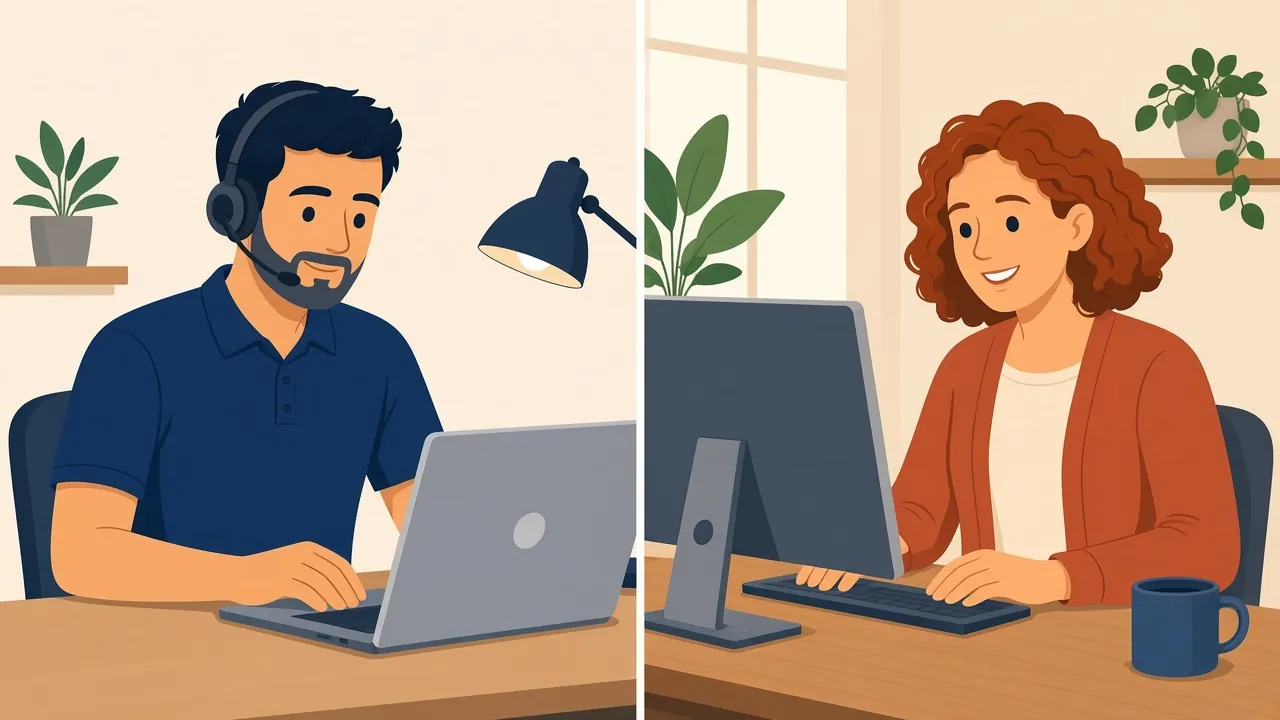
Remote support first, a visit when it makes sense
A surprising amount of computer help in Midland never needs an on-site visit. If your computer can get online, I can usually connect securely, with your permission, and fix the problem while you watch. It is often the quickest way to get you going again, and it works anywhere in Canada.
When a visit makes more sense, for example when the computer will not start, the internet is down, or you would simply rather have someone beside you, I come to you. I cover Midland, Penetanguishene, Tiny, Tay, and the wider Simcoe County and Muskoka area within about 45 minutes of Midland, including Barrie and Orillia.
Looking after computers for a small office or practice? My IT care plans cover ongoing IT services in Midland and area: monitoring, updates and backup checks, so problems get caught early.
Computer repair in Penetanguishene and nearby towns
Many of my appointments are a short drive from home. If you are looking for computer repair in Penetanguishene, Port McNicoll, Victoria Harbour, or out along the Tiny Township shoreline, I am glad to help, whether that means a remote session by appointment or a visit to your home or cottage.
What I do not do, and why I tell you up front
Honesty is the most useful thing I can offer when a computer is acting up. If the problem is physical, I will say so rather than spend your time chasing it. TechBrent does not handle:
- Hardware repairs like screens, batteries, keyboards or circuit boards. I’ll diagnose the problem and point you to a reputable local shop.
- Security cameras, wiring, or anything that needs a ladder
- Custom gaming PC builds
- Point-of-sale systems for stores and restaurants
When I suspect a hardware fault, such as a failing drive or a laptop that shows no sign of power, I explain what I am seeing and what your realistic options are, and I can point you to a reputable local repair shop. If there are files on that machine you care about, I can talk with you about backup and data recovery before anything else happens.
Keeping your computer healthy after the fix
A repair is most valuable when it lasts. Before I finish, I make sure a few good habits are in place, and I explain them in plain language so they make sense to you:
- Automatic Windows updates that actually complete
- Built-in protection turned on and working, without a pile of competing security programs
- A browser set up with sensible notification and pop-up settings
- A backup that runs on its own, so a bad day does not become a disaster
- A short list of what a real warning looks like versus a scam
None of this is complicated, but it makes a real difference. Most of the computers I see a second time are ones where a backup or update setting quietly stopped working, so I take a moment to check those every time.
Why people around Midland choose TechBrent
There are good repair shops in the area, and some problems truly belong at a bench. TechBrent is different in a few ways that matter to many of my clients. You deal with one person, from the first note to the final walkthrough. I come to you instead of asking you to unplug everything and carry it into a store. I explain things patiently, without jargon, and I am happy to show you how to handle the small things yourself next time.
I also work across platforms. If the household has a Windows laptop, an iPhone, and an older Mac, I can help with all of them. That includes Mac help in Midland when the Apple side of the house needs attention, too. If you are setting up a new phone or tablet alongside a new computer, I can handle that in the same appointment, so everything in the house talks to everything else.
Getting ready for your appointment
You do not need to prepare much, but a few things make the session smoother:
- Your Windows or Microsoft account email address and password, if you know them
- A note of what the computer was doing when the problem started
- Any error messages, ideally as a photo taken with your phone
- The charger, if it is a laptop
It also helps to think about what matters most on the computer. If there are family photos, tax folders, or work documents that exist nowhere else, tell me, and I will make sure they are protected before I change anything.
If you cannot find a password, do not worry. That is a common situation, and we will work through it together.
Let me take a look
Whether it is a slow laptop, a stubborn update, or a pop-up that has you worried, I would be glad to help. Service is by appointment, remote or at your home, cottage or business, and the first step is simply telling me what is going on. Send me a note through the contact form, and I will write back with a plan.
FAQ
Common questions
Do you repair hardware such as screens or batteries?
No. TechBrent is software help only. I do not replace screens, batteries, keyboards, or boards. If I think the problem is hardware, I will diagnose it, tell you up front, and refer you to a reputable local repair shop.
Can you fix my computer remotely?
Often, yes. If the computer can get online, I can usually connect securely with your permission and fix software problems while you watch. Remote support is available anywhere in Canada.
Do you come to homes in Penetanguishene and Tiny?
Yes. I visit homes and cottages within about 45 minutes of Midland, including Penetanguishene, Tiny, Tay, Port McNicoll, Victoria Harbour, Barrie, and Orillia. Service is by appointment.
A pop-up says my computer is infected and to call a number. What should I do?
Do not call the number, do not let anyone connect to your computer, and do not pay anything. Close the browser or restart the computer, then send me a note and I will help you check that everything is clean.
Ready when you are
Service is by appointment, remote or at your home, cottage or business. Tell me what is going on and I will write back with a plan.
Get help